
 Travel Essentials
 Travel Essentials

Learn essential tactics to protect against Wi-Fi traps, charging scams, and sneaky surveillance at airports. Stay secure on every journey with practical tech defenses.
 Travel Essentials
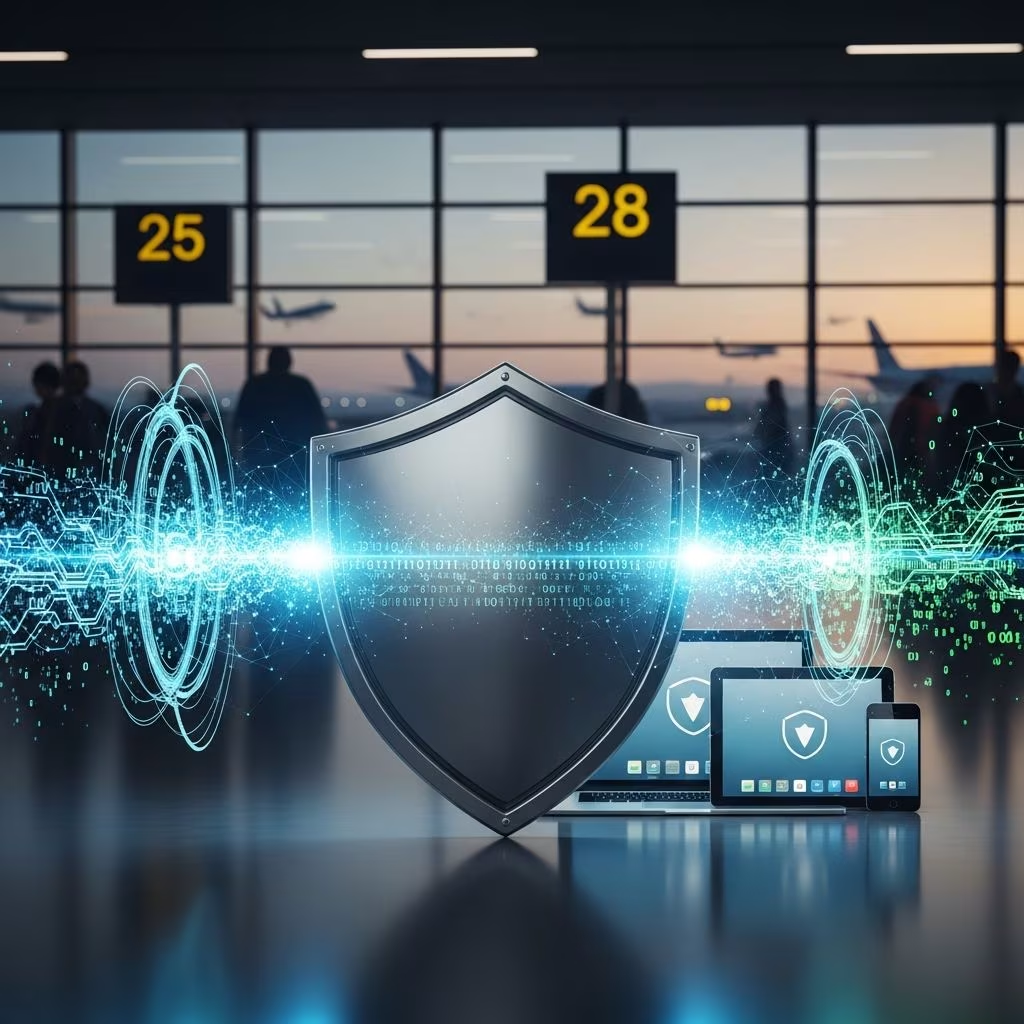
Airports buzz with travelers rushing through gates, but beneath the chaos, cybercriminals exploit distractions to target devices via open networks and charging stations. This guide equips you with actionable defenses to keep personal and financial data locked down during layovers and flights.
Modern airports serve as prime hunting grounds for digital thieves due to dense crowds and reliance on shared resources. Hackers deploy rogue Wi-Fi signals mimicking official ones, allowing them to intercept login credentials, emails, and payment details as users browse unsuspectingly. Public charging ports pose another threat through “juice jacking,” where malware infects devices via compromised USB connections, siphoning sensitive files without visible signs.
Distressed passengers, juggling luggage and deadlines, often lower their guard, making shoulder surfing—peering at screens—and phishing emails highly effective. Statistics from the Federal Trade Commission highlight millions of identity theft cases annually, many stemming from such opportunistic airport encounters. Awareness forms the first barrier; recognizing these tactics empowers proactive protection.
Fortify your setup before departing to minimize vulnerabilities. Start by backing up critical files to encrypted cloud services or external drives, ensuring recovery if a device falls prey to compromise.
These steps create a resilient foundation, reducing breach impacts by up to 99% according to cybersecurity benchmarks from official agencies.
Airport Wi-Fi tempts with free access, yet it broadcasts data openly for interception. Cybercriminals set up “evil twin” hotspots with names nearly identical to legitimate ones, capturing traffic from connected users.
| Risk Factor | Safe Alternative | Why It Works |
|---|---|---|
| Open Networks | Mobile Hotspot | Uses cellular encryption, bypassing public airwaves. |
| Fake Hotspots | Verify Opt-In Page | Legit networks prompt terms agreement; fakes skip this. |
| Data Snooping | VPN Service | Encrypts traffic end-to-end, hiding activity from snoopers. |
Opt for your phone’s hotspot or a portable MiFi device for controlled access. If unavoidable, activate a VPN immediately upon connection—it tunnels data through secure servers, thwarting man-in-the-middle attacks. Look for HTTPS padlocks (green lock icon) on sites, ensuring encrypted sessions.
Dead batteries push travelers toward USB kiosks, but these can double as data vacuums. Modified ports deploy malware or extract info during charging. Counter this with dedicated defenses:
These tools maintain battery life without exposing ports, a practice endorsed by security experts for high-risk public spaces.
Even secured connections falter without vigilant behaviors. Disable file sharing and Bluetooth when idle to block unauthorized access. Log out of sessions post-use, especially banking apps, forcing re-authentication.
Screen privacy matters too: apply filters or privacy screens to obscure views from prying eyes in crowded terminals. Dim brightness and position devices away from passersby. Avoid sensitive tasks—bill payments, shopping, corporate logins—until home networks.
If anomaly arises, like sluggish performance or unfamiliar apps, act swiftly. Disconnect from networks, run antivirus scans, and change passwords from a trusted device. Monitor accounts for odd activity and report to providers promptly. Travel insurance increasingly covers cyber incidents; review policies for data recovery aid.
Power users benefit from layered protections. Enterprise-grade VPNs with kill switches halt internet if encryption drops. Hardware firewalls for laptops add network scrutiny. AI-driven monitors flag anomalies in real-time, mirroring airport-grade systems.
Portable encrypted drives keep files air-gapped from online threats. For teams, shared hotspots with WPA3 encryption outperform open alternatives.
Never fully; treat it as hostile. Use VPNs or cellular data exclusively for security.
Only with data blockers. Prioritize walls or banks.
Check for opt-in pages and avoid unsecured signals. Apps like Wi-Fi analyzers reveal duplicates.
Minimally on modern services; select protocols like WireGuard for speed.
Use wiped travel laptops or virtual desktops to isolate risks.
Cyber hygiene extends beyond airports—apply these worldwide. Regular audits, awareness training, and tool updates mirror institutional strategies. By prioritizing defense, travelers transform vulnerabilities into strengths, enjoying seamless trips unmarred by digital disasters.