
 Travel Essentials
 Travel Essentials

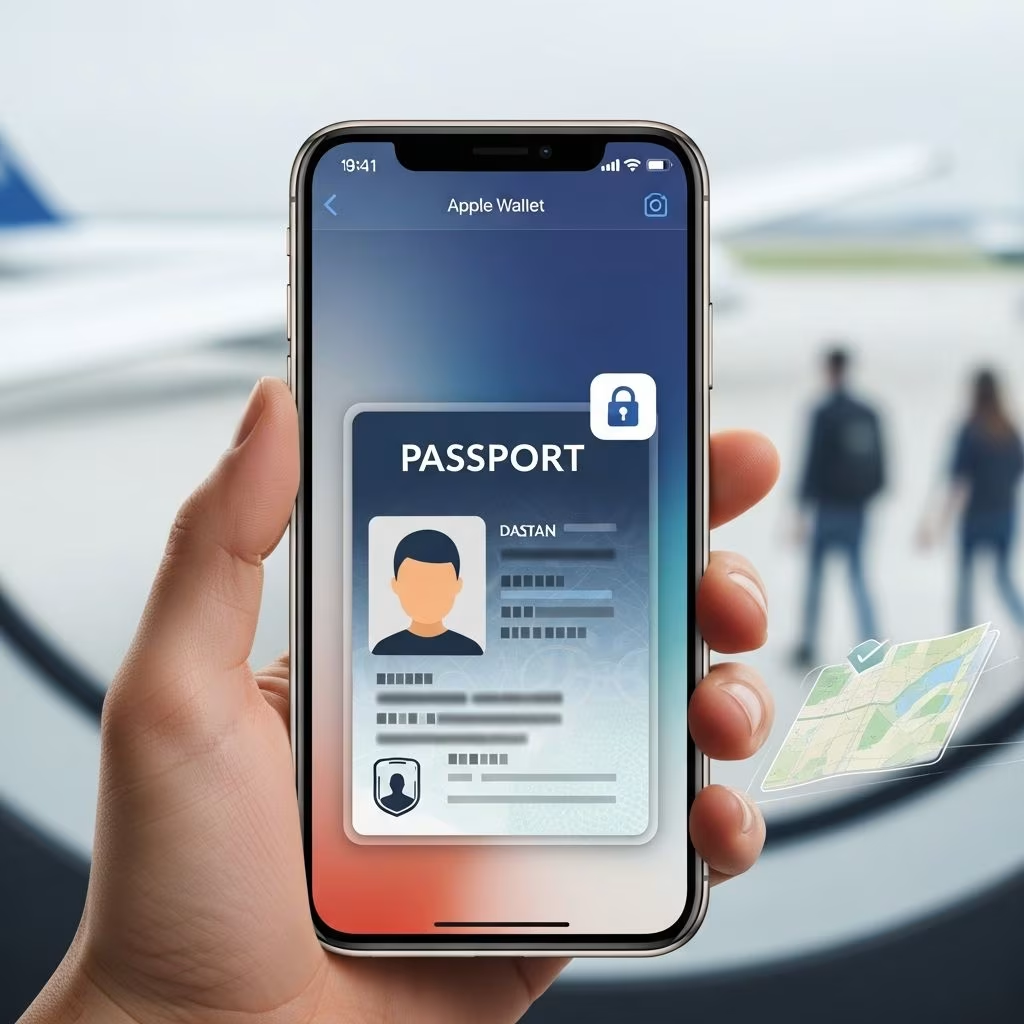
Explore how Apple Wallet's Digital ID feature enables travelers to verify identity at TSA checkpoints using their US passport, enhancing airport security and travel convenience.
 Travel Essentials
Travel technology has undergone a dramatic transformation in recent years, with digital innovations gradually replacing traditional paper-based systems. One of the most significant advancements in this space is Apple’s introduction of Digital ID, a feature that allows travelers to verify their identity at airport security checkpoints using their iPhones or Apple Watches. This development represents a major shift in how millions of Americans approach domestic air travel, eliminating the need to physically remove and present identification documents during the security screening process.
The Digital ID feature, integrated into Apple Wallet, leverages information from a traveler’s official US passport to create a secure, encrypted digital identity document. Rather than fumbling through wallets or bags to locate a physical passport or driver’s license at TSA checkpoints, travelers can now simply tap their phones and complete facial recognition verification. This technological advancement addresses long-standing pain points in airport security procedures while maintaining the highest standards of data protection and privacy.
A critical distinction must be made between Apple Wallet’s Digital ID and a digital copy of a passport. Digital ID is not a replacement for a physical passport, nor does it serve as a travel document for international journeys. Instead, it functions specifically as an identity verification tool designed exclusively for TSA checkpoint screening during domestic air travel within the United States. This limitation is essential to understand, as it prevents confusion about the feature’s actual capabilities and proper usage.
The Digital ID represents Apple’s most ambitious undertaking in storing official identification data on personal devices. While Apple previously launched digital driver’s license capabilities, that feature remained limited to residents of a select number of states. The Digital ID passport feature democratizes access by allowing any US passport holder with a compatible device to participate, regardless of their state of residence. This universal accessibility marks a significant expansion of Apple’s digital identification ecosystem.
When travelers present their Digital ID at TSA checkpoints, the technology operates on a privacy-first principle. The identity verification system displays only the information requested for security purposes, automatically filtering out sensitive details such as addresses, birthdates, weight, and other personal characteristics. This selective information display provides travelers with greater control over their personal data while maintaining the security integrity required for airport screening.
Accessing and using Digital ID requires meeting specific technical prerequisites. Understanding these requirements ensures travelers can determine whether their current devices support this feature before attempting to set up their digital identification.
These requirements underscore Apple’s commitment to security and device integrity. The combination of biometric authentication through Face ID or Touch ID, two-factor authentication on Apple Accounts, and the encryption of passport data ensures that only authorized users can access and present their Digital ID. The requirement for specific device models guarantees access to the most current security architecture available in Apple’s hardware lineup.
Creating a Digital ID involves a structured verification process designed to authenticate the passport information and confirm the identity of the individual setting up the feature. This multi-layered approach prevents unauthorized account creation and ensures that each Digital ID corresponds to its legitimate owner.
The setup process begins by opening Apple Wallet and tapping the addition button to create a new ID. Users select the Digital ID option and follow the on-screen instructions to initiate the verification procedure. The first step requires scanning the photo page of the physical passport using the iPhone’s camera, allowing the system to capture the passport’s biographical information and photograph.
Beyond the photograph scan, Apple implements an additional layer of security by requiring users to read the embedded microchip on the back of their passport. This chip contains encrypted data that must match the information provided during setup, preventing the use of altered or fraudulent documents. Following chip verification, users are prompted to capture a selfie that will be compared against the passport photograph to confirm identity.
Apple enhances security further by requesting users complete a series of facial and head movements during the setup process. These actions confirm that the person setting up the Digital ID is physically present and actively participating in the verification procedure, preventing someone from using a photograph or recorded video to fraudulently establish an account. Once all verification steps are successfully completed, the Digital ID is added to the Wallet and ready for use at participating TSA checkpoints.
When travelers reach TSA checkpoints equipped to process Digital ID, the presentation process mirrors the familiar procedure used for Apple Pay transactions. Rather than removing their physical passport or driver’s license, travelers hold their iPhone or Apple Watch near the TSA reader device. The system prompts the traveler to confirm the identity verification request, which is authenticated through Face ID or Touch ID depending on the device being used.
This hands-off approach offers multiple benefits beyond convenience. By eliminating direct contact between the traveler’s device and TSA personnel, the system reduces potential transmission of germs and pathogens, an increasingly important consideration in public health contexts. Additionally, since travelers maintain control of their devices throughout the verification process, they retain authority over which information is shared and how their personal data is handled.
The contactless verification process also streamlines airport operations by reducing transaction time at security checkpoints. Traditional methods requiring TSA agents to manually inspect documents and cross-reference information take considerably longer. Digital ID verification accelerates the process while maintaining security standards, potentially reducing congestion during peak travel periods.
Apple Wallet’s Digital ID feature launched in beta format at over 250 TSA checkpoints distributed throughout the United States. This extensive initial rollout ensures that travelers in major metropolitan areas, regional hubs, and smaller airports all have access to the technology. The breadth of this deployment reflects the collaborative effort between Apple and the Transportation Security Administration to make digital verification widely accessible across the nation’s aviation infrastructure.
The decision to structure the initial launch as a beta program allows both Apple and TSA to gather real-world usage data, identify any technical issues, and refine the system based on traveler feedback before a potential full national rollout. This incremental approach to technology deployment balances the desire for rapid innovation with the practical necessity of ensuring system reliability and security.
Apple has indicated that future expansion of Digital ID capabilities may extend beyond TSA checkpoints to include additional use cases and verification scenarios. While specific details about these expansions remain limited, the company’s statement suggests that Digital ID could eventually facilitate identity verification in apps, online services, and other contexts where secure identity confirmation is required.
Travelers must clearly understand what Digital ID cannot do to avoid confusion or frustration during travel. Most critically, Digital ID is not a passport replacement and cannot be used for international travel, border crossings, or entry into other countries. Even when traveling to Canada or Mexico via land borders, travelers must present their physical passport. The US remains the only nation recognizing digital passport-based identification at this time.
Additionally, airlines cannot use Digital ID to verify traveler identity during check-in or boarding procedures. Airlines continue to require physical identification documents for these processes. Similarly, customs and border protection officials cannot accept Digital ID for international travel verification. These limitations mean travelers must continue carrying their physical passports whenever engaging in any international travel plans.
The TSA’s own guidelines emphasize that all passengers must carry an acceptable physical ID for verification purposes. While Digital ID can facilitate verification at participating checkpoints, it does not eliminate the requirement to possess physical identification. Travelers should view Digital ID as a convenience feature that complements traditional identification, not a replacement that eliminates the need for physical documents.
One significant advantage of Digital ID is that it provides identity verification capability to travelers who may not possess Real ID-compliant driver’s licenses. Prior to Digital ID, travelers without Real ID-compliant identification were required to present either a physical passport or a passport card for TSA verification. Many states have been slow to implement Real ID compliance, leaving residents with limited options for convenient airport security verification.
By enabling any US passport holder to generate a Digital ID regardless of their state of residence or driver’s license status, Apple has dramatically expanded access to streamlined airport security procedures. Someone living in a state without a Real ID-compliant driver’s license program can still create a Digital ID and enjoy the same checkpoint verification convenience as travelers with compliant licenses.
This accessibility represents a significant democratization of travel technology. Rather than privileging residents of early-adopting states, the Digital ID feature levels the playing field by making modern verification capabilities available to all Americans with valid passports and compatible devices.
Apple’s Digital ID implementation incorporates multiple security layers designed to protect user privacy while maintaining the authentication integrity required for airport security purposes. The feature leverages end-to-end encryption, biometric authentication, and cryptographic verification of passport data to prevent unauthorized access or fraudulent use.
The requirement to read the embedded passport chip during setup ensures that the digital identity corresponds to a legitimate government-issued document. The collection of facial and head movements during verification creates a dynamic biometric signature that cannot be easily spoofed or replicated using still photographs or video recordings. These security measures work in concert to create a robust verification system that protects both individual travelers and national security interests.
From a privacy standpoint, the selective information display during verification ensures that only the minimal data necessary for identity confirmation is shared with TSA systems. A traveler’s home address, physical characteristics, or other sensitive information remains encrypted and inaccessible to checkpoint personnel. This privacy-first design philosophy distinguishes Apple’s approach from traditional physical document presentation, where TSA agents can see all information printed on identification documents.
No. Digital ID is exclusively for domestic travel verification at TSA checkpoints within the United States. International travel, border crossings, and entry into other countries require a physical passport. The US is currently the only country recognizing digital passport-based identification.
Digital ID availability is not dependent on state driver’s license programs. Any US passport holder with a compatible iPhone or Apple Watch can create a Digital ID, regardless of their state of residence or whether their state offers a mobile driver’s license program.
Yes. Digital ID incorporates encryption, biometric authentication, chip verification of passport data, and dynamic facial recognition during setup. The system ensures only authorized users can access and present their Digital ID, while selective information display protects personal privacy.
Yes. Digital ID does not replace your physical passport. You must continue carrying your physical passport for international travel, border crossings, and other identity verification purposes. TSA guidelines require all passengers to carry physical identification.
Over 250 TSA checkpoints throughout the United States currently accept Digital ID for identity verification during domestic travel. The feature launched in beta format, with potential for expansion as the program develops.
No. Airlines continue to require physical identification documents for check-in and boarding procedures. Digital ID is exclusively for TSA checkpoint identity verification.
Apple Wallet’s Digital ID represents a significant milestone in the evolution of travel technology and identity verification systems. By successfully integrating government-issued identification data into consumer devices, Apple has demonstrated that secure, privacy-respecting digital alternatives to physical documents are technically feasible and operationally viable.
The success of the Digital ID program may encourage other technology companies and government agencies to develop similar systems. Enhanced coordination between technology platforms and regulatory bodies could eventually create an ecosystem where digital identity verification becomes the default option for routine identity confirmation across multiple contexts.
However, the comprehensive security infrastructure required for government-grade identity verification means that widespread adoption will develop gradually. The current focus on TSA checkpoint verification represents an appropriate starting point that addresses a specific, well-defined use case before expanding into more complex scenarios.
As Digital ID capabilities expand beyond airport security, travelers can expect increasingly convenient ways to verify their identity across multiple contexts while maintaining the security and privacy protections that protect sensitive personal information. The integration of this technology into Apple Wallet positions it as a natural hub for identity and travel-related documents, potentially making iPhones and Apple Watches central to how modern travelers navigate the air travel system.