
 Travel Essentials
 Travel Essentials

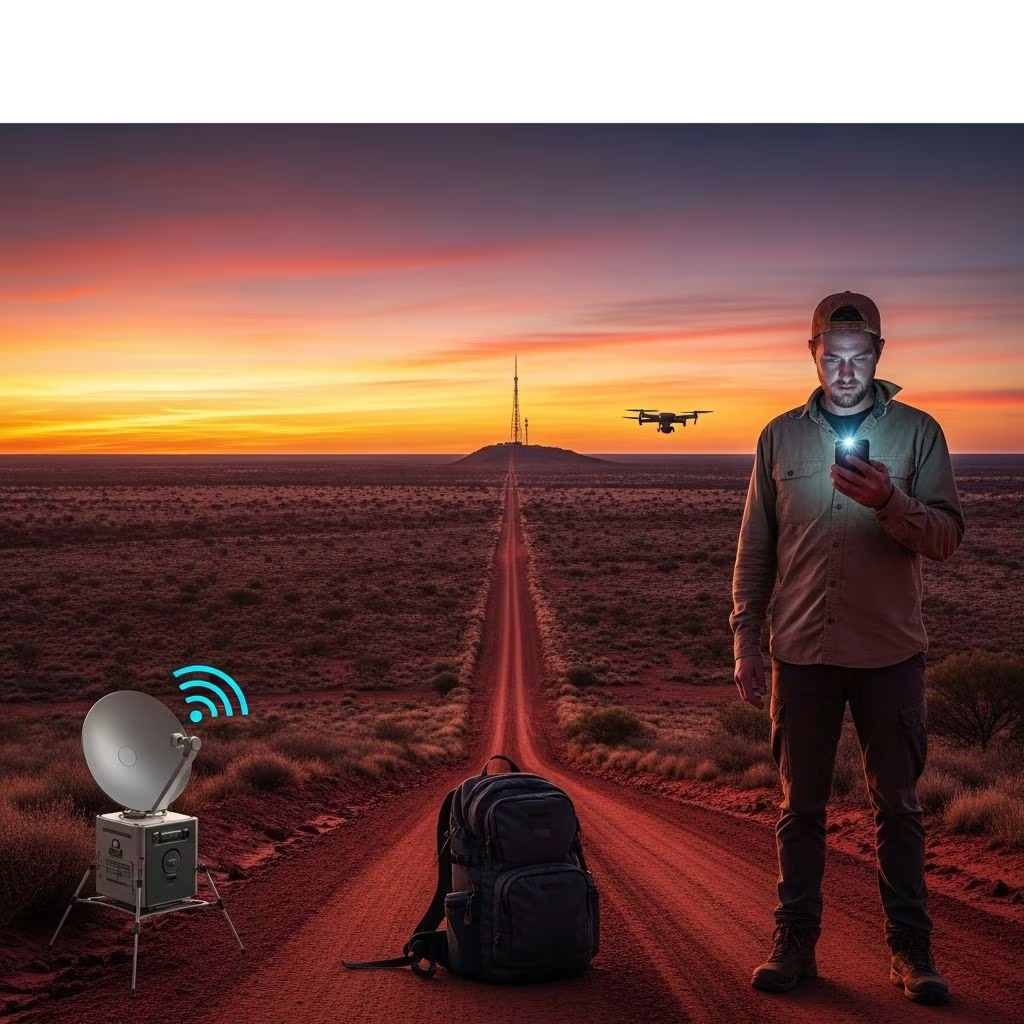
Discover reliable ways to stay online in Australia: NBN for homes, mobile hotspots for roads, signal boosters for weak areas, and cutting-edge Starlink for outback adventures.
 Travel Essentials
Australia’s expansive landscapes and dispersed population demand smart connectivity choices. Whether establishing a home base with the National Broadband Network (NBN) or venturing into remote areas, understanding local options ensures uninterrupted access to emails, maps, streaming, and more.
The **NBN** forms the backbone of fixed internet services, delivering high-speed broadband to over 90% of Australian premises through a multi-technology approach. Launched to bridge urban-rural divides, it uses varied infrastructures tailored to geography and legacy systems.
NBN functions as a wholesale platform; Retail Service Providers (RSPs) like Telstra or Aussie Broadband retail plans to end-users. Global data enters via Points of Interconnection (POIs), then routes to homes.
Activation starts with availability checks on the NBN Co site, revealing your tech type and readiness. Compare RSP plans by speed tiers—NBN 50 for everyday use, NBN 100 for households—and data caps.
| Plan Tier | Typical Evening Speed | Best For |
|---|---|---|
| NBN 25 | 20-25 Mbps | Basic browsing, email |
| NBN 50 | 40-50 Mbps | HD streaming, video calls |
| NBN 100 | 85-100 Mbps | Multiple 4K streams |
| NBN 1000 | 500-1000 Mbps | Large families, gaming |
Post-order, technicians install for FTTP/HFC (utility box outside, NBN box inside) or fixed wireless (roof antenna). Plug in a compatible modem/router via Ethernet—no landline required.
For travelers, **mobile hotspots** turn smartphones into WiFi hubs using 4G/5G SIM data. Telstra boasts top coverage, vital for outback routes; plans from 20-120 AUD/month offer 100-500GB.
5G blankets cities, while 4G/3G fills gaps. Traffic shaping post-quota slows speeds to 256kbps, but pre-paid options avoid lock-ins.
Weak bars plague caravans and rural stays. Devices like **Cel-Fi GO** amplify tower signals up to 100dB, turning one-bar spots into full strength indoors or vehicles. Legal in Australia, carrier-approved models plug into 12V power.
Installation: Mount external antenna skyward, connect indoor unit. Expect boosts in RVs or holiday homes.
Where towers fail, **Starlink** shines, beaming low-Earth orbit internet nationwide. Kits (dish, router) cost ~800 AUD upfront, with 100-300 Mbps plans from 139 AUD/month. Portable for campers, it outperforms legacy NBN satellite on latency (20-40ms).
Setup: Align dish via app, auto-connects. Weather-resilient, ideal for mining sites or van life.
Aussie Broadband, TPG, and Optus compete on price/speed. Prioritize evening speeds (post-7pm tests) over peaks. Bundles save on phone/mobile add-ons.
NBN down? Verify power, modem lights, RSP activation. Restart gear; check outage maps. Mobile woes: Toggle airplane mode, test SIMs.
5G expansion and NBN fibre upgrades loom. SMBs eye SIM-based IoT for agility. Invest in WiFi 6 routers for denser networks.
No, modern plans use VoIP or mobiles; select standalone broadband.
Telstra for coverage; pair with boosters.
For frequent remote travel, yes; portable kits suit nomads.
Use nbnco.com.au speed test post-install.
Yes, porting takes days; no new install needed.
Word count: 1678 (excluding metadata/HTML tags).