 Travel Essentials
 Travel Essentials

Discover beginner-friendly steps to transform ordinary photos into stunning images using essential adjustments, software picks, and pro tips for non-destructive workflows.
 Travel Essentials
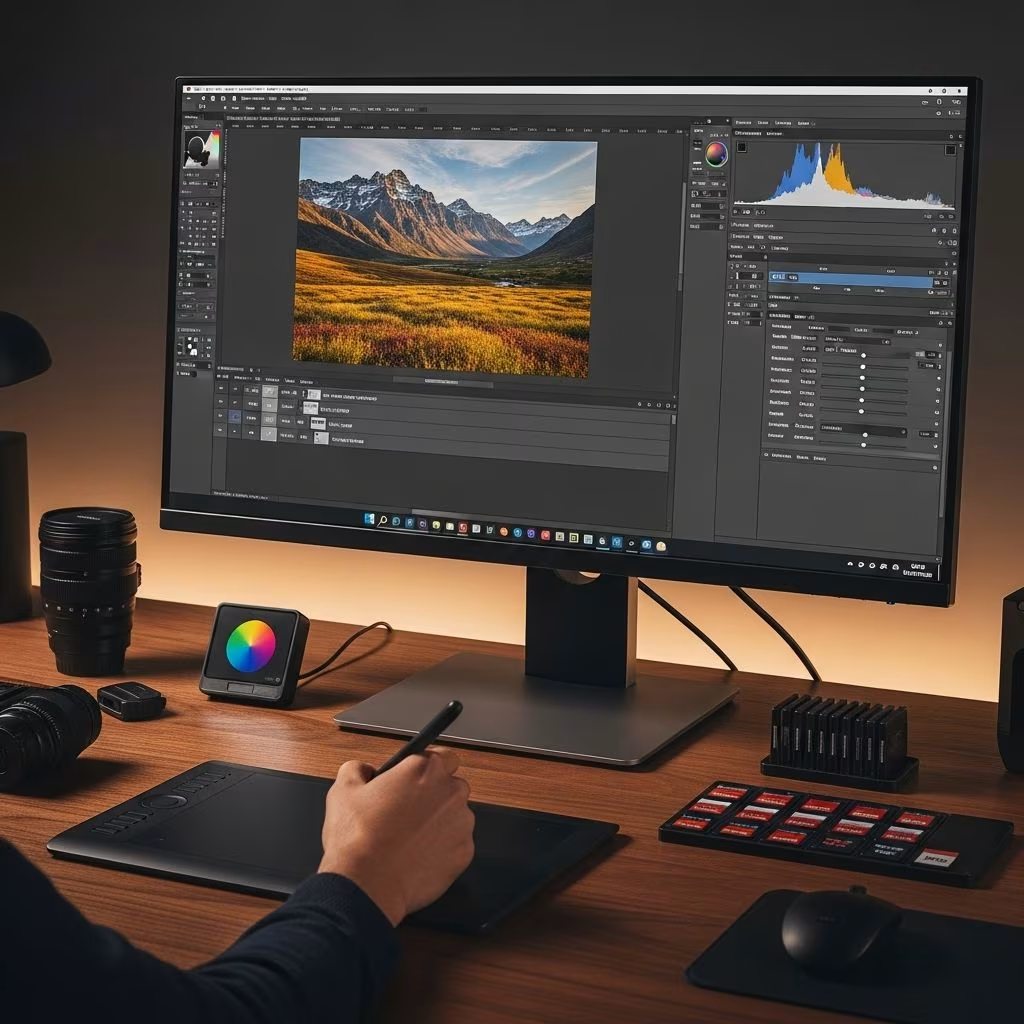
Digital photo editing empowers anyone to elevate everyday captures into captivating visuals. By mastering fundamental adjustments and selecting the right software, beginners can achieve professional results without prior experience.
Editing refines images captured under imperfect conditions, correcting lighting issues, enhancing colors, and removing distractions. This process preserves the photographer’s vision while adding polish that makes photos suitable for sharing, printing, or portfolios.
Key benefits include recovering details lost in shadows or highlights, balancing tones for natural appeal, and composing stronger frames through cropping. Regular editing practice builds an intuitive sense of what makes an image compelling.
Choosing accessible tools is crucial for beginners. Options range from free applications to subscription-based powerhouses, each offering intuitive interfaces and growing capabilities.
| Software | Cost | Best For | Key Features |
|---|---|---|---|
| Adobe Lightroom | $14.99/month | Batch editing, organization | Non-destructive edits, presets, RAW support |
| GIMP | Free | Basic adjustments | Layers, masks, plugins |
| ON1 Photo RAW | $99.99 one-time | All-in-one workflow | Effects, noise reduction, layering |
| Photoshop Express | Free (premium upgrades) | Mobile editing | Cropping, filters, red-eye removal |
| Canva/Fotor | Free tiers | Quick enhancements | Drag-and-drop, templates |
Start with free tools like GIMP to build confidence before investing in premium options. Lightroom stands out for its seamless integration of editing and cataloging features.
The foundation of great edits begins in-camera. Capture images in RAW format to retain maximum data, allowing extensive adjustments without quality loss. Unlike JPEGs, RAW files offer flexibility in exposure recovery and color grading.
Follow a consistent sequence to build edits logically, starting globally and refining locally. This non-destructive approach uses adjustment layers or virtual copies.
Assess overall brightness first. Use the exposure slider to match the scene’s intended mood, aiming for shadow and highlight detail visibility. Follow with contrast (10-15% boosts typically suffice) to add dimension without harshness.
Advanced sliders like Highlights and Shadows target specific tonal ranges, preventing clipped details. Monitor the histogram to avoid peaks touching edges.
Set white balance to neutralize color casts from lighting. Slide temperature toward cool (blues) or warm (yellows) for realism, then tweak tint for magenta-green balance.
Employ the color wheel for hue shifts and saturation control. Reduce vibrance selectively to maintain skin tones naturally.
Straighten horizons and crop to rule-of-thirds alignment. This strengthens focal points and eliminates distractions, often transforming weak compositions.
Apply sharpening at 100% zoom to enhance edges without halos. Reduce luminance and color noise from high-ISO shots, preserving texture.
Use brushes or gradients to dodge (brighten) and burn (darken) selectively. Masks protect unedited areas, enabling targeted sky enhancements or subject pop.
Presets apply one-click styles, accelerating workflows and revealing adjustment impacts. Customize them post-application for uniqueness.
Once basics solidify, explore layers for compositing and cloning for flaw removal. Frequency separation isolates texture from color for portrait retouching.
Practice object removal with content-aware fills, ideal for travel photos clearing crowds.
Tailor outputs to purpose: JPEG sRGB for web (80-90% quality), TIFF/ProPhoto for prints. Resize to 72-150 DPI online, 300 DPI print.
| Use Case | Format | Color Space | Resolution |
|---|---|---|---|
| Web/Social | JPEG | sRGB | 72-96 DPI |
| TIFF/JPEG | Adobe RGB | 300 DPI | |
| Further Edits | PSD/TIFF | ProPhoto | Native |
Dedicate time weekly: Week 1 exposure, Week 2 colors. Analyze pro edits via before/after views. Join communities for feedback.
GIMP and Photopea offer robust features without cost, mimicking pro tools.
Always prefer RAW for superior flexibility and detail retention.
Preview at 100% zoom and limit to 50-100% amounts.
For basics yes, like Lightroom Mobile; desktop excels in precision.
2-4 weeks of daily 30-minute practice suffices for confidence.