
 Travel Essentials
 Travel Essentials

Explore geotagging: how it works, tools for embedding locations in photos, benefits for trip planning, privacy tips, and responsible sharing practices.
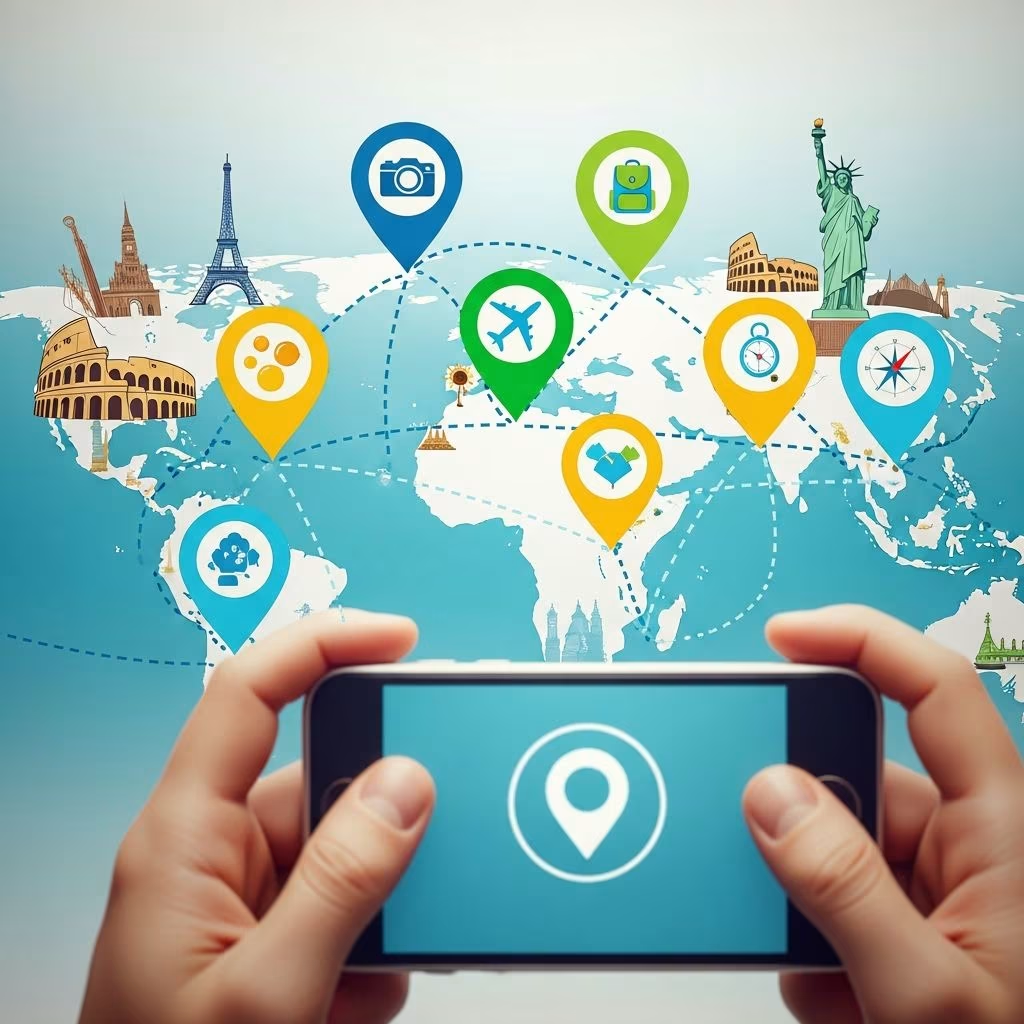 Travel Essentials
Geotagging embeds precise location data into digital media like photos and videos, transforming ordinary captures into interactive maps of your adventures. This technology leverages GPS coordinates to help travelers document, organize, and relive trips with unprecedented detail.
At its core, geotagging uses your device’s GPS receiver to capture latitude, longitude, and sometimes altitude, storing this as metadata within files such as EXIF data in images. When enabled, your smartphone automatically records where a photo was taken, allowing apps to plot them on maps for effortless sorting—ideal for sifting through hundreds of vacation shots by destination.
This process combines satellite signals with supplementary methods like Wi-Fi triangulation for accuracy, even in challenging environments. For travelers, it means turning a camera roll into a visual itinerary, pinpointing exact spots from bustling markets to serene viewpoints.
Geotagging revolutionizes trip documentation by creating digital trails of your journeys. It simplifies organization in apps like Google Photos or Apple Photos, where images auto-group by location, saving hours of manual tagging.
Beyond personal use, it aids marketing: travel brands tag content to appear in location searches, boosting discoverability on platforms like Instagram. Users benefit from authentic reviews and recommendations tied to real places.
Most smartphones handle geotagging out-of-the-box when location services are active in camera settings. For advanced setups, dedicated hardware and software expand capabilities.
| Category | Examples | Best For |
|---|---|---|
| Smartphones | Built-in GPS on iOS/Android | Everyday travel snaps |
| DSLR/Mirrorless Cameras | Canon GP-E2, Nikon GP-1A | Pro photography on the go |
| Wearables/Trackers | Garmin eTrex, smartwatches | All-day logging with sync |
| Apps/Software | Geotag Photos Pro, HoudahGeo | Post-trip editing |
External GPS units attach to cameras, syncing real-time data without draining batteries. Post-capture, apps like GPS4CAM merge phone logs with non-tagged images via drag-and-drop maps.
Start by enabling location access: on iPhones, go to Settings > Privacy > Location Services > Camera (Always or While Using). Android users check app permissions similarly. For precision, pair with a fitness tracker logging GPX tracks, then import into Lightroom for batch processing.
This workflow ensures your media is location-rich without excess effort.
While powerful, geotagging exposes your whereabouts through embedded coordinates, potentially revealing home addresses or real-time positions if shared publicly. Metadata persists even in resized images unless stripped.
Travelers should pause location services in crowded or remote areas to avoid oversharing paths that attract unwanted attention.
Overtagging popular sites can spark overcrowding, damaging fragile ecosystems. Crowds rush to exact coordinates from social posts, eroding pristine spots. Ethical travelers delay sharing remote locations or generalize tags to cities rather than trails.
Adopt guidelines: research site sensitivity, use broad labels for fragile areas, and encourage followers to tread lightly. This balances inspiration with preservation.
Geotagged content powers discovery: search Instagram for a café via tags to find user tips. Travel apps use it for nearby recommendations, from eateries to hikes.
For brands, consistent tagging across platforms enhances SEO, prioritizing content in local searches and Google Maps. Travelers gain from optimized listings showing real visitor photos.
Professionals use geotags for cataloging: journalists verify stories, researchers map biodiversity. In emergencies, tagged posts aid response teams tracking affected areas.
Integrate with AR apps for on-site info overlays or analytics for route optimization in group trips.
It adds GPS coordinates to media files, enabling location-based viewing and searches.
Yes, GPS usage increases consumption; toggle off when not needed or use low-power modes.
Use built-in editors, apps like ImageOptim, or platform settings before uploading.
Not always—strip metadata and avoid real-time posts from private spots.
Yes, via GPX track logs and software like Geosetter for retroactive addition.
Expect tighter privacy controls, AI-enhanced tagging, and blockchain for verified locations. Integration with wearables will make seamless tracking standard.
Travelers will see hyper-personalized maps blending personal data with crowd-sourced insights.