
 Travel Essentials
 Travel Essentials

Uber's Preferred Currency Pricing defaults to charging 1.5% extra for home currency payments abroad. Here's how to turn it off and save money with no-fee cards.
 Travel Essentials
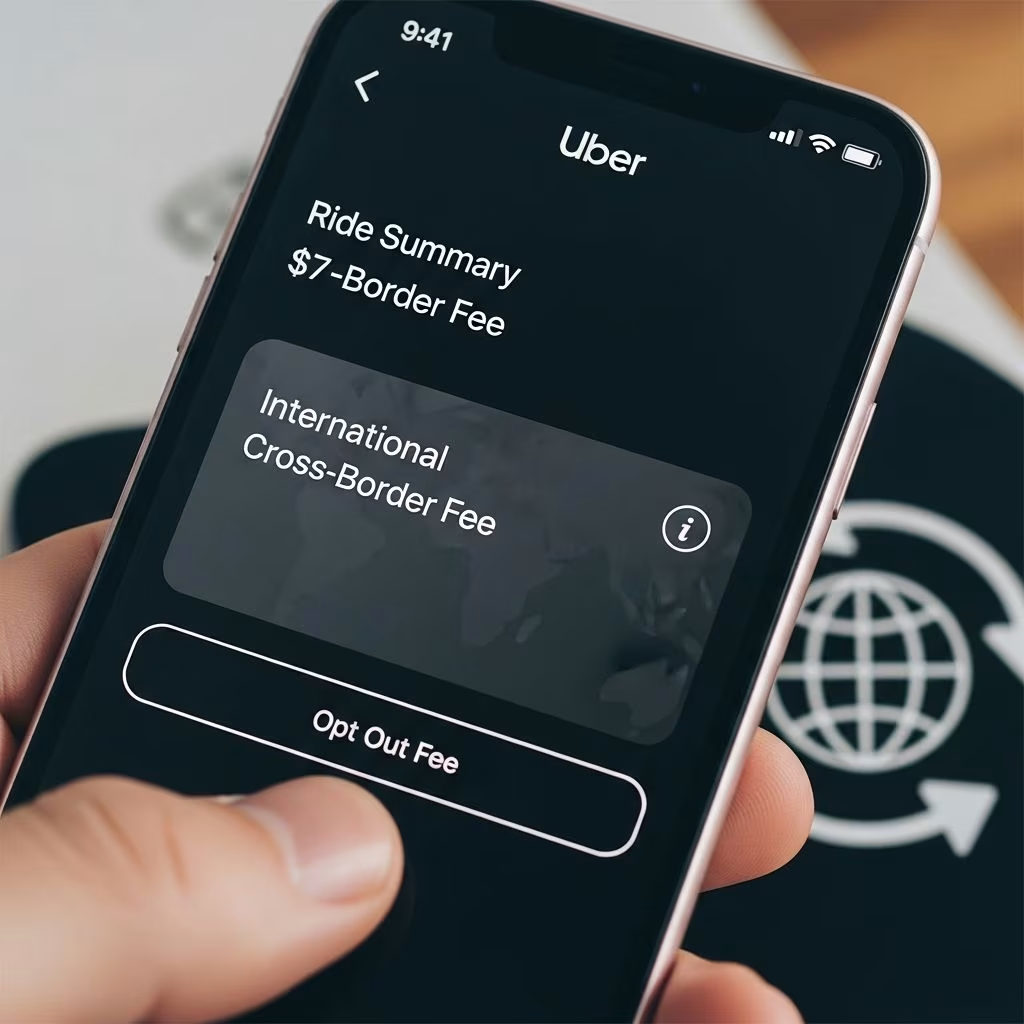
Travelers using Uber across borders now face an unexpected cost from a default app setting that converts ride fares into their home currency for a 1.5% fee. This feature, known as Preferred Currency Pricing, activates automatically in regions like the U.S., Canada, UK, and EU, potentially inflating expenses for those with fee-free credit cards.
Ride-hailing services aim to simplify international use, but Uber’s recent update prioritizes convenience over cost for many users. When abroad, fares typically display and charge in local currency, letting your bank handle conversion. With this change, effective from late February 2025, Uber intervenes by showing prices in your home currency—such as USD for Americans—and adds a flat 1.5% processing charge.
This applies when traveling to supported countries, making it relevant for frequent flyers, business trips, or vacations. Uber positions it as a user-friendly tool to skip mental math on exchange rates, but the fee catches those unaware, especially with travel cards waiving foreign transaction costs.
For a $50 local ride converted at 1.5%, that’s an extra $0.75 per trip. Multiplied by several rides daily on a week-long trip, savings from disabling it add up quickly—potentially $10-20 or more. Users with cards like Chase Sapphire Preferred or Capital One Venture, offering 0% foreign fees, lose money by letting Uber convert instead.
Conversely, if your card imposes 2-3% fees, Uber’s rate might save money. Always compare your card’s terms before deciding.
Opting out takes under a minute and persists across trips, preventing future surprises. Follow these instructions on the latest Uber app version:
Note: The option may appear only during or before a trip in eligible areas. Double-check post-February 27, 2025, as defaults auto-apply. iOS/Android interfaces match closely, though exact wording varies slightly by region.
| Platform | Menu Path | Key Toggle |
|---|---|---|
| Android/iOS | Account > Wallet > Preferred Currency | “No preferred currency” |
| During Ride Request | Payment Screen | Select local currency option |
Pair disabling Uber’s feature with no-foreign-transaction-fee (NFTF) cards for optimal savings. Banks convert at competitive wholesale rates without markups, often better than Uber’s fixed 1.5%.
Verify your card: Log into your account or call issuer support. Add NFTF options to Uber Wallet for seamless use.
This issue extends to ATMs, tap-to-pay, and hotels. Always choose local currency at payment prompts to leverage your bank’s rate over merchant conversions, which add 3-6% spreads.
For Uber Eats or other services, the same Wallet setting applies, broadening savings.
No, only in select markets like U.S., Canada, UK, EU when traveling abroad. Check Uber Help for expansions.
Typically no, but verify before trips, especially post-auto-enrollment dates.
Calculate: If >1.5%, keep Uber’s option. Use tools like bank calculators for precision.
Yes, at ride confirmation screen, select local currency to bypass for that ride.
Absolutely—toggle back anytime if bank fees exceed Uber’s.
Watch for app glitches hiding the toggle until a ride starts. Update Uber immediately. Track statements post-trip to confirm local billing. For groups, ensure all accounts are adjusted—shared rides bill individually.
Combine with Uber One for discounts, but weigh against currency costs. Monitor exchange volatility; Uber’s fixed fee shields from fluctuations but at a premium.
Uber’s move reflects industry trends toward integrated financial services, blurring lines between transport and fintech. Competitors like Lyft may follow. Savvy users treat apps as tools, not defaults—customizing settings maximizes value.
As travel rebounds in 2026, awareness of micro-fees empowers better budgeting. Share this with companions to collectively cut costs.