
 Travel Essentials
 Travel Essentials

Discover essential steps for filming, editing, and sharing breathtaking travel videos using smartphones or cameras, from storytelling to advanced cinematic effects.
 Travel Essentials
Creating compelling travel videos transforms ordinary trips into immersive stories that inspire viewers. Whether using a smartphone or professional gear, success lies in planning, capturing diverse footage, and refining edits to evoke emotion and adventure.
Every great travel video starts with a clear narrative arc. Before hitting record, outline the core message: What unique experience do you want to convey? Audiences connect through stories that follow a beginning, middle, and end, much like a mini-movie.
This structure ensures your video flows logically, keeping viewers engaged from the first frame.
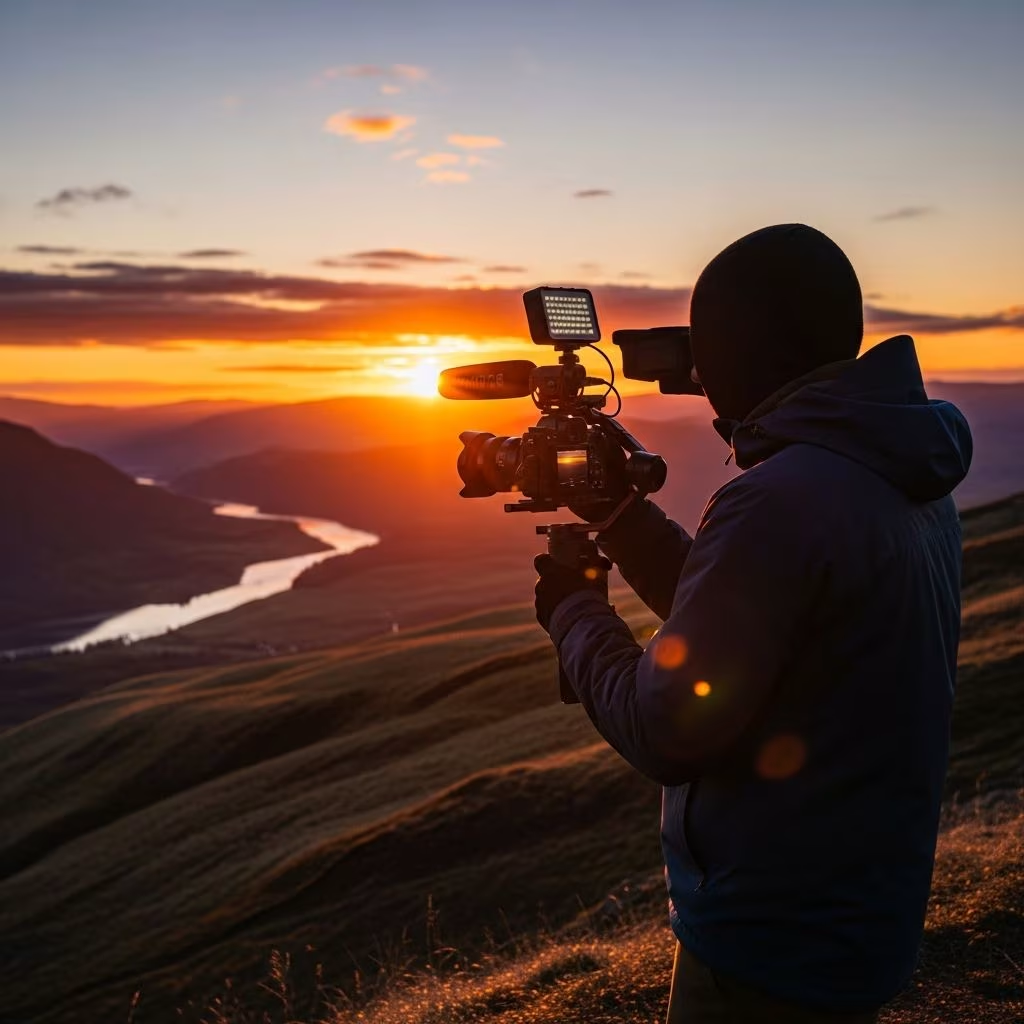
You don’t need expensive equipment to produce high-quality footage. Smartphones with modern cameras suffice for most travelers, offering 4K resolution and stabilization.
| Gear Type | Recommendations | Best For |
|---|---|---|
| Smartphone | iPhone 13+ or Android equivalents | Versatile daily shooting |
| Stabilizer/Gimbal | DJI Osmo Mobile | Smooth walking shots |
| Wide-Angle Lens | Clip-on attachments | Landscapes and groups |
| Microphone | Rode VideoMicro | Clear audio in windy conditions |
| Drone | DJI Mini series (check local regs) | Aerial establishing shots |
Start simple: Adjust your phone to highest resolution, enable grid lines for rule-of-thirds composition, and lock exposure for consistent lighting.
Capture a variety of shots to build visual interest. Mix wide landscapes with intimate details for a cinematic feel.
Open with broad views to orient viewers. Aerial drone shots or wide-angle ground footage set the location instantly, preventing confusion. For example, a sweeping panorama of a mountain valley draws audiences into your adventure.
B-roll supplements main footage, showing interactions and details. Use 35mm equivalent focal lengths for natural perspectives without distortion. Film people, textures, and movements—like hands stirring street food or waves crashing—to immerse viewers.
Frame rates dictate mood. Standard 24fps mimics film for realism; 60fps or higher enables smooth slow-motion for action like surfing. Slo-mo adds drama—pair dives or spins with upbeat music.
Shoot in scenes: Plan shots per segment, gathering wide, medium, close, and motion types. Quality trumps quantity; select memorable snippets over exhaustive coverage.
Editing turns raw clips into stories. Import footage, trim ruthlessly, and structure around music.
Software like CapCut (free, mobile-friendly) or DaVinci Resolve handles color grading for vibrant tones. Boost shadows, enhance skies, and match clips seamlessly.
Audio elevates videos. Layer royalty-free music from Epidemic Sound, syncing builds to action. External mics ensure crisp voiceovers; avoid built-in phone audio in crowds.
Effects like subtle transitions (fades, zooms) and text overlays highlight locations or tips without overwhelming.
Tailor for YouTube, Instagram, or TikTok. Vertical for Reels, 16:9 for long-form.
Post consistently to grow subscribers; stories hook viewers.
| Pitfall | Solution |
|---|---|
| Shaky footage | Use gimbal or post-stabilize |
| Boring middles | Inject B-roll, vary pacing |
| Poor lighting | Golden hour shoots |
| Weak story | Outline pre-trip |
A smartphone with a gimbal and clip-on mic. Focus on 4K at 24fps.
3-10 minutes for YouTube; 15-60 seconds for social.
Not essential, but ideal for epic opens if regulations allow.
CapCut, iMovie, or VN Video Editor.
Prioritize story, cinematic B-roll, and music sync.