
 Travel Essentials
 Travel Essentials

Learn how to check your U.S. passport application or renewal status online, by phone, or email. Understand each status update and what to do if delays occur.
 Travel Essentials
Monitoring the progress of your U.S. passport application ensures you stay informed about when your travel document will arrive. Whether applying for a new passport or renewing an existing one, the U.S. Department of State provides straightforward tools to check status updates. This guide covers every aspect of tracking, from digital portals to phone support, helping you navigate the process efficiently.
Passport applications typically take several weeks to process, but exact times vary based on service level and location. Routine service can take 6-8 weeks, while expedited options reduce this to 2-3 weeks. It often takes up to two weeks after submission for the status to appear as “In Process,” as documents move from mailing facilities to intake centers. During this initial period, tracking may show “Not Available” because the application is still in transit.
Factors influencing delays include high application volumes, errors in forms, or requests for additional information. Always verify current processing times on the official State Department website before applying to set realistic expectations.
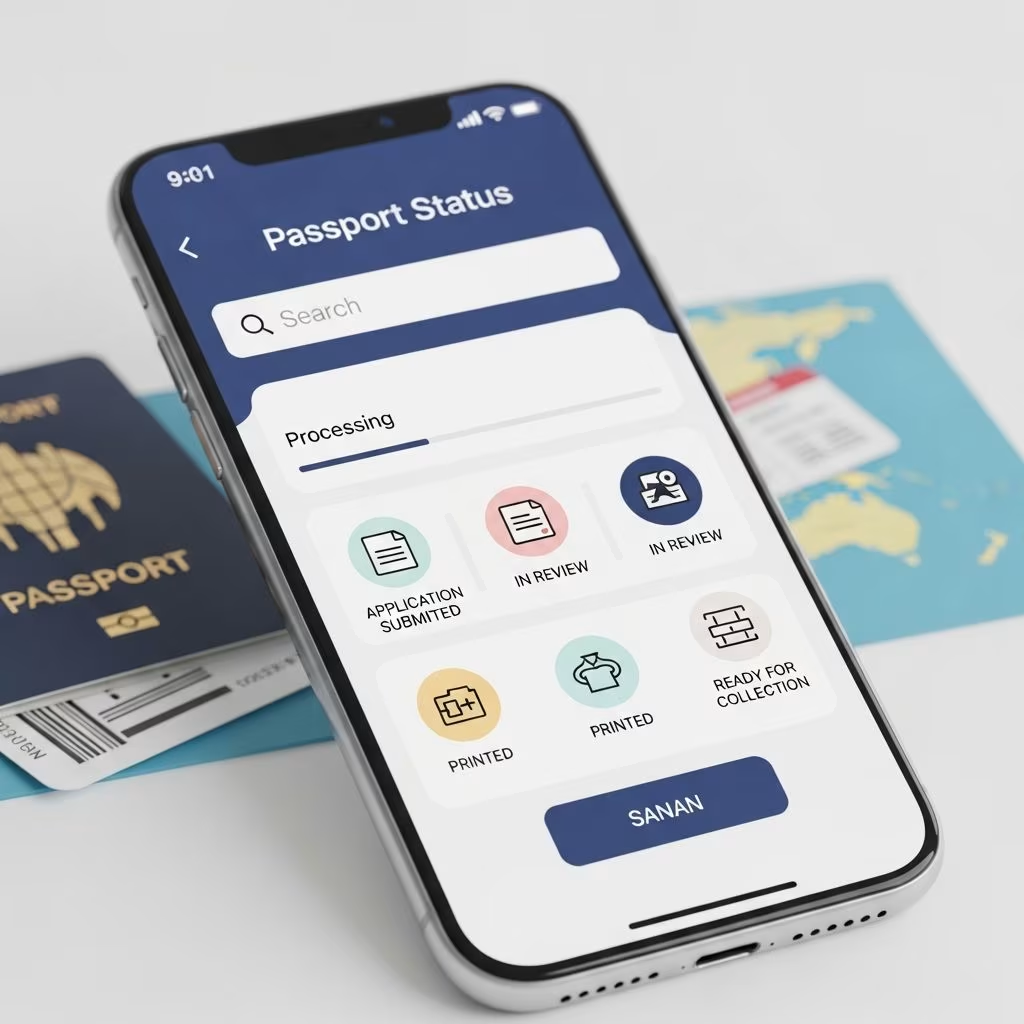
The most convenient way to monitor your passport is through the Online Passport Status System provided by the U.S. Department of State. This free tool allows real-time updates without needing to call or visit an office.
To check status online:
If you applied online via MyTravelGov, log into your account for personalized tracking and email notifications. Status updates are sent automatically if you provided an email address, covering key milestones like approval and mailing. You can update or unsubscribe from these emails anytime.
Each status message provides specific insight into your application’s stage. Here’s a breakdown:
| Status | Description |
|---|---|
| Not Available | Application not yet entered into the system, often up to 2 weeks post-submission. |
| Arrived | Forms have reached the facility and await processing (brief status). |
| In Process | Under review at a passport agency or center; duration varies by service selected. |
| Approved | Review complete; printing of passport book or card begins. |
| Mailed | Passport sent to your provided address; tracking number included for books. |
| Additional Information Needed | Hold status; respond to letter/email within 90 days to avoid delays. |
| Information Received, In Process Again | Review resumes after submitting requested details. |
The first two digits of your nine-digit application locator number indicate the processing location, visible on the online system. This helps if you need to follow up.
For those preferring voice assistance, call the National Passport Information Center (NPIC) at 1-877-487-2778 (or 1-888-874-7793 for TDD/TTY). Hours are Monday-Friday 8 a.m.-10 p.m. ET, weekends 10 a.m.-3 p.m. ET, excluding holidays; automated service runs 24/7.
Phone checks yield the same info as online but suit those without internet or needing clarification. Agents can’t alter processing but can note urgent travel for potential expedites. Expect wait times during peak seasons.
Several scenarios can complicate status checks:
If mailing via USPS, use their tracking to confirm delivery to the intake facility.
If your travel is within 14 days and status lags, contact NPIC immediately. Provide travel details; they notify the agency for prioritization. For emergencies (travel within 72 hours or life/death), seek in-person at a passport agency with proof.
Online applicants receive alerts for changes; sign up on the status page for email notifications. Avoid frequent checks, as they don’t speed processing.
Renewals follow the same tracking but may qualify for online submission if eligible (passport not damaged, issued within 15 years, etc.). MyTravelGov tracks these seamlessly with status emails.
Children’s passports or first-time applicants use identical methods but often require in-person submission, limiting online renewal.
U.S. citizens abroad facing issues call +1-202-501-4444 (24/7 Task Force). Ensure your application address is accurate for mailing.
Up to 2 weeks after applying, as it moves through sorting and intake.
Use online system with personal details; no locator number needed initially.
Yes, the nine-digit locator reveals processing location.
Normal for first 2 weeks; confirm USPS delivery.
Call NPIC with travel proof for urgent notification.
Staying proactive with these steps minimizes stress. Official tools ensure accuracy over third-party sites.