
 Travel Essentials
 Travel Essentials

Discover how Bluetooth adapters let you ditch airline headphones, connect your AirPods or over-ears to plane systems, share audio with companions, and enjoy noise-free travel on every flight.
 Travel Essentials
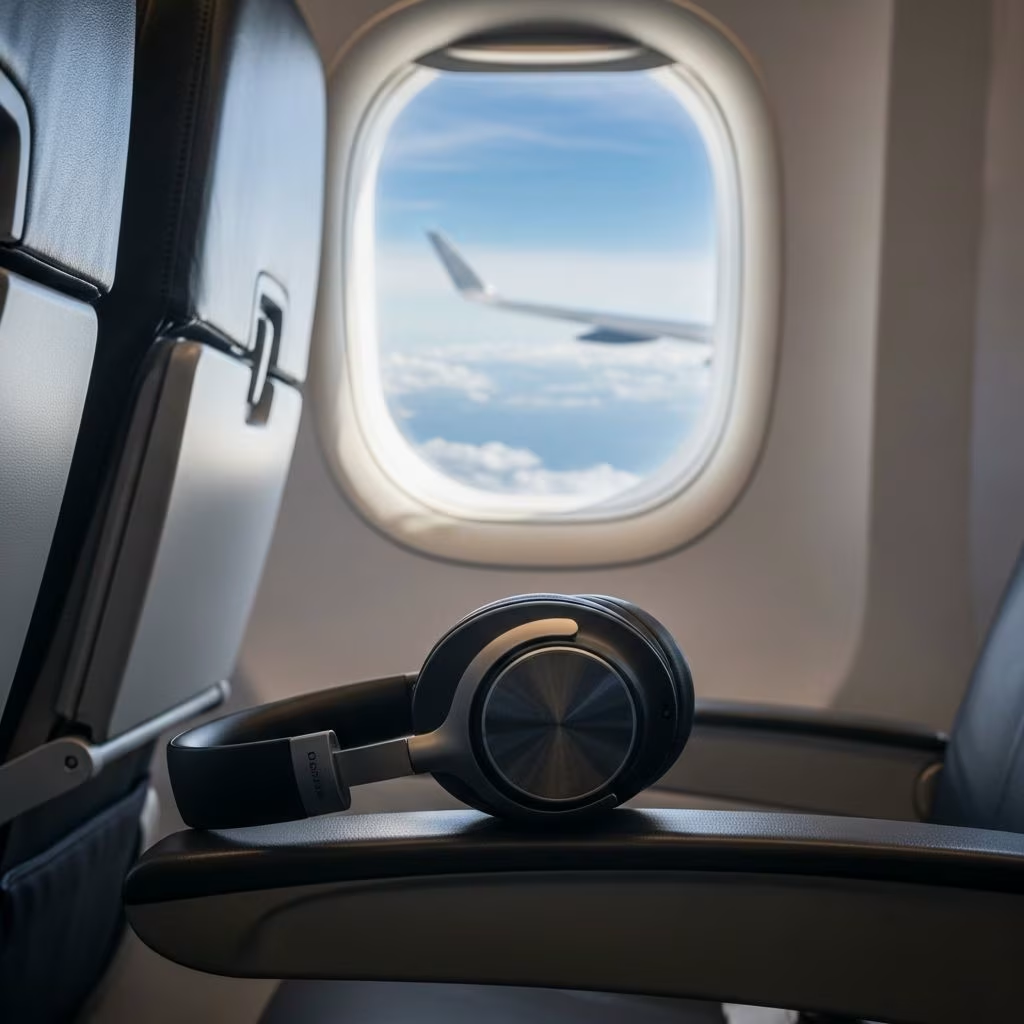
Long-haul flights often mean hours glued to a seatback screen, but the provided headphones are typically flimsy and uncomfortable. Modern travelers prefer their own **wireless headphones** for superior sound quality, noise cancellation, and personal fit. This guide explores practical solutions to connect your Bluetooth earbuds or over-ear models to airplane entertainment systems, ensuring crystal-clear audio without tangled cords.
Airline-supplied headphones prioritize cost over comfort, often featuring thin wires that crack easily and poor noise isolation. Your personal gear, like AirPods or Bose QuietComfort, delivers immersive audio with active noise cancellation (ANC), blocking engine hum and chatter. Compatibility issues arise because most seatback systems use 3.5mm jacks, incompatible with wireless devices directly.
Adapters bridge this gap, transmitting audio wirelessly up to 33 feet, allowing movement without disconnection. Battery life on top models exceeds 16 hours, outlasting most flights. Dual pairing lets couples sync for shared viewing, enhancing the experience.
A **Bluetooth transmitter adapter** plugs into the plane’s AUX port, converting wired output to a Bluetooth signal for your headphones. Setup takes seconds: insert the adapter, power it on, enter pairing mode, and connect.
Key features include:
| Adapter Feature | Benefit | Examples |
|---|---|---|
| aptX Low Latency | Perfect AV sync | Avantree Relay |
| 20+ Hour Battery | Multi-leg trips | AirFly Pro |
| Dual Pairing | Shared audio | Xtorm AirWave |
| USB Charging | Always ready | Generic transmitters |
Pro tip: Carry a dual-prong adapter for international flights with two-pin jacks.
Any Bluetooth device works, from true wireless earbuds to over-ears:
Verify codec support (AAC/aptX) for optimal quality.
Bluetooth operates on 2.4GHz, potentially clashing with Wi-Fi. Choose adapters with adaptive frequency hopping for stability.
Opt for 20-hour models; many support USB-C charging mid-flight.
European/Asian routes use two-pin (mono left/right). Dual-ended adapters solve this.
Premium carriers like Delta or Emirates add direct pairing, but adapters ensure universality.
These adapters shine elsewhere:
Compact designs fit carry-ons easily.
Prioritize:
Popular picks: Xtorm AirWave (dual-pair, compact), Avantree Relay (aptX, versatile), Twelve South AirFly Pro (long-range).
Bluetooth is FAA-approved; no interference risks. Keep volume moderate to hear announcements. Share adapters with rowmates politely.
Yes, pair with a Bluetooth adapter for wireless connection.
Most with 3.5mm jacks; check new aircraft for native Bluetooth.
16–25 hours typically, covering transatlantic flights.
Yes, dual-link models support simultaneous pairing.
Use USB audio adapters or stream from personal devices.
Airlines slowly adopt Bluetooth (e.g., some Emirates A380s), but adapters remain essential for legacy fleets. Expect low-latency standards like aptX Adaptive for lag-free viewing.