
 Travel Essentials
 Travel Essentials

Public USB charging stations pose serious threats like data theft and malware via juice jacking. This guide explains the risks and offers practical protection tips for safe charging on the go.
 Travel Essentials
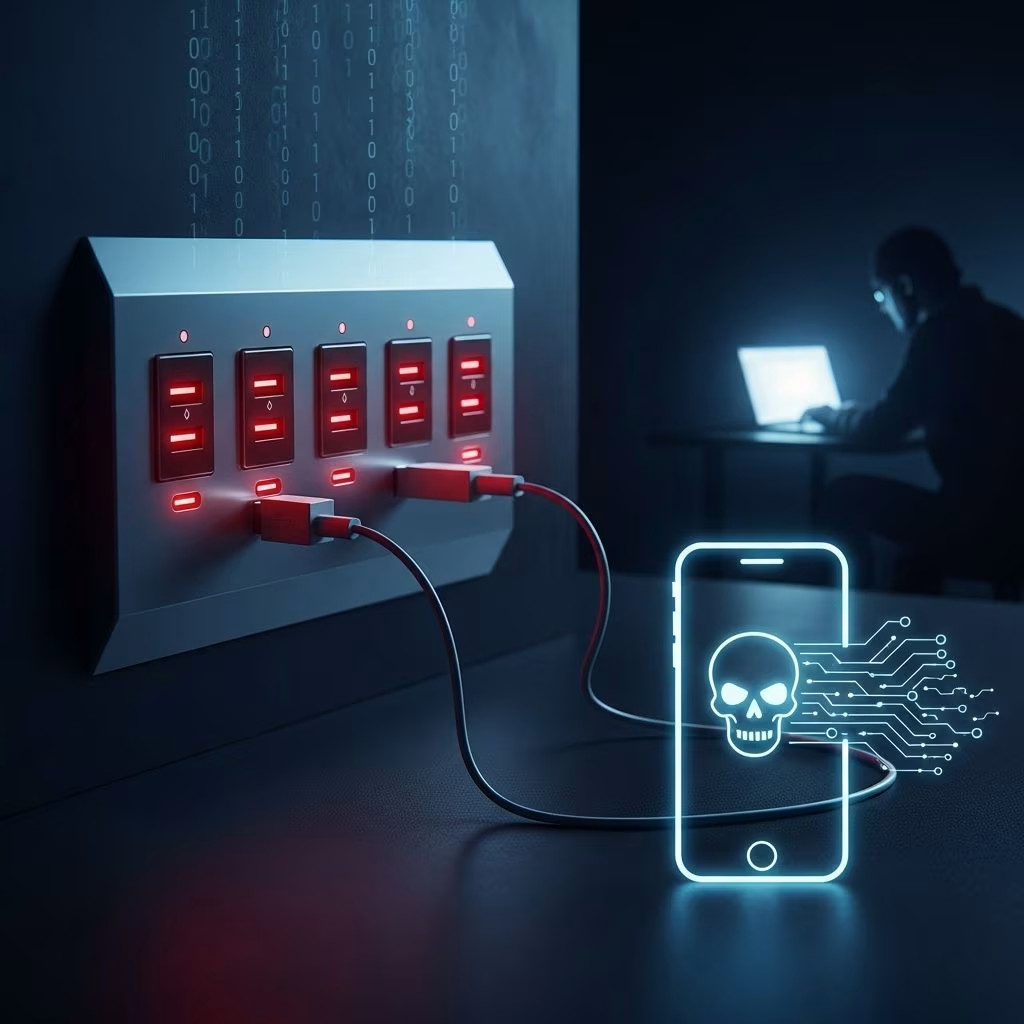
Convenient USB charging stations at airports, malls, hotels, and cafes seem like a traveler’s best friend when your smartphone battery is dying. However, these ports can turn into cyber traps through a malicious technique called juice jacking, where hackers exploit the dual power-and-data nature of USB connections to steal information or install harmful software.
Juice jacking occurs because USB cables handle both electricity for charging and data transfer for syncing. Malicious actors can tamper with public ports or cables to inject malware, turning a simple charge into a data heist. Cybersecurity researchers have demonstrated this in controlled tests, such as Georgia Tech’s 2013 “Mactans” tool, which infected iPhones via rigged chargers.
Unlike wireless charging, USB ports actively negotiate data connections upon plugging in. If compromised, they can siphon contacts, passwords, messages, photos, and more without any visible signs. The risk escalates in high-traffic spots where ports are rarely monitored.
Government agencies have issued stark advisories. The FBI’s Denver office warned in 2023 against using free stations in public areas, noting bad actors deploy malware through USB ports. Similarly, the FCC highlighted how criminals load software to export personal data or lock devices. The TSA has echoed these concerns for airport travelers.
While no widespread real-world cases beyond labs are confirmed as of 2023, experts stress the low barrier to entry makes vigilance essential.
Not all charging spots are equal. Airports top the list due to traveler fatigue and volume. Malls, hotels, and coffee shops follow, often with unmonitored kiosks.
| Location | Risk Level | Why It’s Vulnerable |
|---|---|---|
| Airports | High | High traffic, long waits, TSA warnings issued |
| Malls/Shopping Centers | High | FBI alerts on malware conduits |
| Hotels | Medium-High | Shared guest access, easy tampering |
| Cafes/Restaurants | Medium | Quick turnover, leftover cables |
| Public Transit | Medium | Crowded, anonymous use |
Empower yourself with these expert-recommended defenses to charge securely anywhere.
The simplest fix: Carry your own wall charger and plug into AC outlets. This bypasses data lines entirely, providing pure power. Portable power banks are ideal for extended travel.
Devices like USB condoms physically sever data pins in cables, allowing charge-only mode. Inexpensive and portable, they thwart juice jacking effectively.
Modern smartphones offer built-in safeguards:
Seek stations labeled “data-blocked” or “charge-only.” Some venues provide sanitized cables. Avoid abandoned chargers plugged into walls—they’re prime tampering targets.
For globetrotters, layer protections:
In international travel, risks compound with unfamiliar infrastructure. Stick to hotel rooms or personal gear.
Juice jacking sounds alarming, but context matters. Lab demos abound, yet field incidents remain rare due to user habits and OS hardening. Still, agencies like FBI and FCC urge caution, citing theoretical ease.
Myth: Only hackers target ports. Reality: Opportunistic tampering by anyone suffices.
Prioritize alongside phishing and weak passwords—it’s one piece of the cyber puzzle.
A cyberattack exploiting public USB ports to steal data or install malware during charging.
Primarily demonstrated in research; no major public outbreaks reported, but risks are validated by officials.
No—risks center on untrusted public ones. Trusted home/office ports are safe.
Yes, as it skips USB data transfer entirely.
A personal power bank or USB data blocker.
Assemble this essentials list:
Practice habits like battery conservation: dim screens, close apps, enable low-power mode.
In a hyper-connected world, balancing convenience and security defines smart travel. By ditching risky ports and embracing these tactics, you reclaim control over your digital life.