
 Travel Essentials
 Travel Essentials

Discover TSA-recommended strategies to avoid common tech pitfalls like public Wi-Fi risks and unsafe charging at airports. Stay secure on every journey.
 Travel Essentials
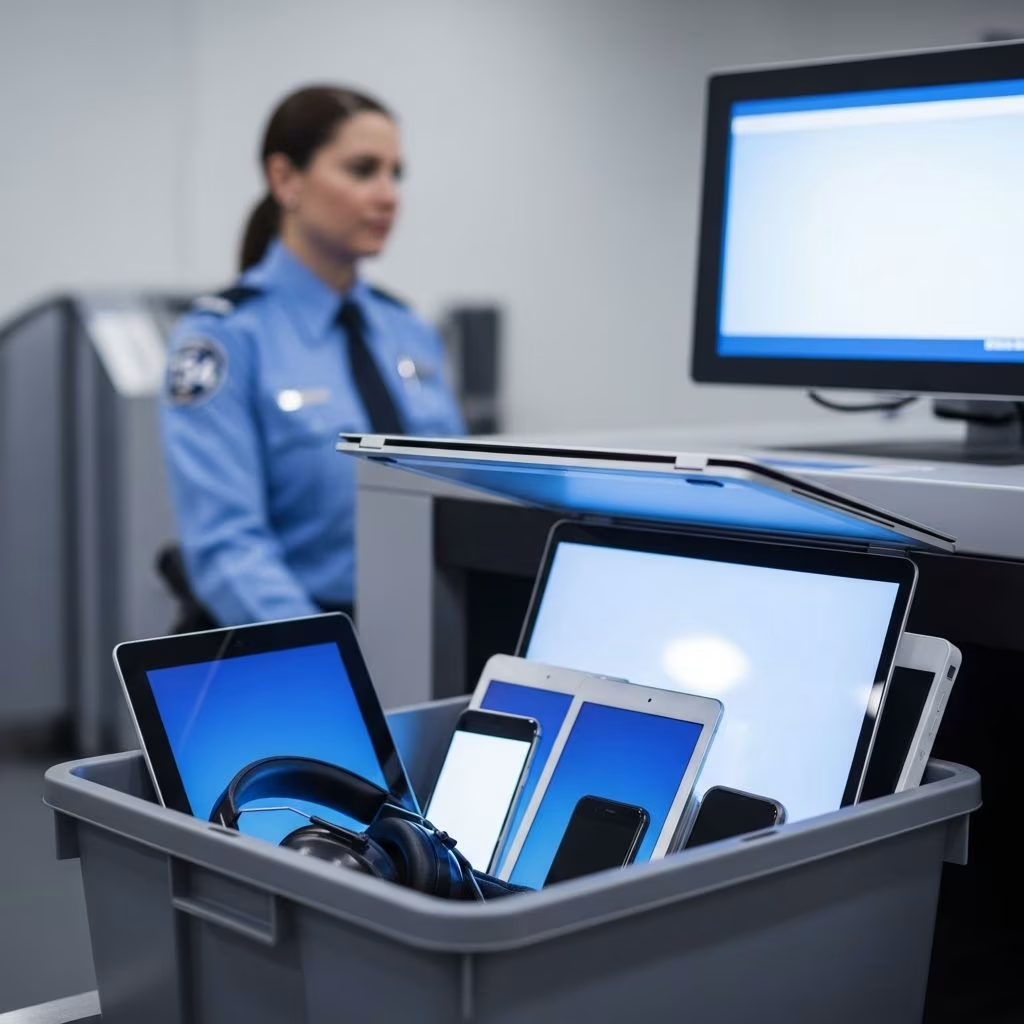
Traveling through busy airports exposes your digital life to unique risks. The Transportation Security Administration (TSA) actively monitors cybersecurity in transportation and shares critical advice to help you protect personal information. This guide draws from official TSA warnings to outline key threats and proven defenses, ensuring your devices remain secure from hackers targeting travelers.
Airports are high-traffic hubs where convenience often clashes with security. Public networks and shared charging options lure weary passengers but serve as prime spots for cybercriminals. TSA emphasizes that even managed airport Wi-Fi can have exploitable weaknesses, allowing data interception or malware installation.
Recent advisories highlight how hackers create deceptive hotspots mimicking legitimate ones, tricking users into entering credentials. Similarly, unattended USB ports enable ‘juice jacking,’ where malware transfers alongside power. Awareness is your first defense—knowing these risks empowers proactive choices.
Free airport Wi-Fi promises connectivity but delivers peril. Unsecured networks expose login details, credit card numbers, and emails to interception. TSA explicitly warns against using them for sensitive activities like online shopping or banking.
Opt for cellular data when possible—it’s harder for attackers to breach. For extended needs, deploy a VPN, which encrypts traffic and hides your IP address. Reliable VPNs reroute data through secure servers, safeguarding purchases and messages.
| Risk Factor | Public Wi-Fi | Cellular Data + VPN |
|---|---|---|
| Data Interception | High | Low |
| Malware Risk | High | Minimal |
| Cost | Free but risky | Plan-dependent |
Convenient USB ports at gates and lounges pose ‘juice jacking’ threats. These ports transmit data alongside power, allowing pre-installed malware to siphon files or install viruses. TSA advises against direct connections, noting hackers tamper with ports to target travelers.
Carry a personal charger or battery pack compliant with TSA carry-on rules. Plug into wall outlets, which provide power without data transfer. For unavoidable USB use, data blockers—small adapters preventing data flow—offer protection.
Outdated software is a hacker’s dream. Patch vulnerabilities by updating operating systems, apps, and browsers pre-trip. Enable auto-updates to stay current.
Weak or reused passwords invite breaches. Craft complex, unique ones per account, aided by password managers. Activate two-factor authentication (2FA) for extra layers—biometrics or codes verify access.
Secure devices with PINs, fingerprints, or face ID. Remote wipe features let you erase data if lost.
Scammers impersonate airlines or hotels via emails/texts with malicious links. Verify sender authenticity before clicking. Avoid sharing info on unsolicited requests.
Beyond digital threats, safeguard hardware. Use tracking apps like Find My Device. Back up data to cloud services beforehand. In crowds, keep devices in sight.
For business travelers, full-disk encryption protects stored files. Avoid jailbroken/rooted devices, which bypass security. Regularly audit app permissions, revoking unnecessary access.
Consider portable routers for private networks, bypassing public ones entirely.
| Practice | Why It Matters | How to Implement |
|---|---|---|
| Update Devices | Closes security gaps | Check settings before departure |
| Avoid Public Wi-Fi | Prevents data theft | Use mobile data or VPN |
| Skip USB Ports | Blocks juice jacking | Wall outlets or blockers |
| Strong Passwords + 2FA | Blocks unauthorized entry | Password manager |
| Phishing Vigilance | Avoids malware | Verify sources |
Juice jacking occurs when malware-laden USB ports steal data during charging. Stick to power-only methods.
Most isn’t—pair with VPN if needed, but prefer cellular.
Yes, with data blockers preventing info transfer.
Updates fix exploits hackers target in transit.
Remote lock/wipe via accounts like iCloud or Google.
Assemble essentials: VPN subscription, data blocker, portable battery, secure cables. Test setups pre-trip. Educate companions on risks.
Long-term, adopt zero-trust mindsets—verify everything. TSA’s focus underscores evolving threats; compliance minimizes exposure.
Extend protections post-travel: scan devices, change passwords, monitor accounts. These habits transform vulnerabilities into strengths.